
OVERVIEW
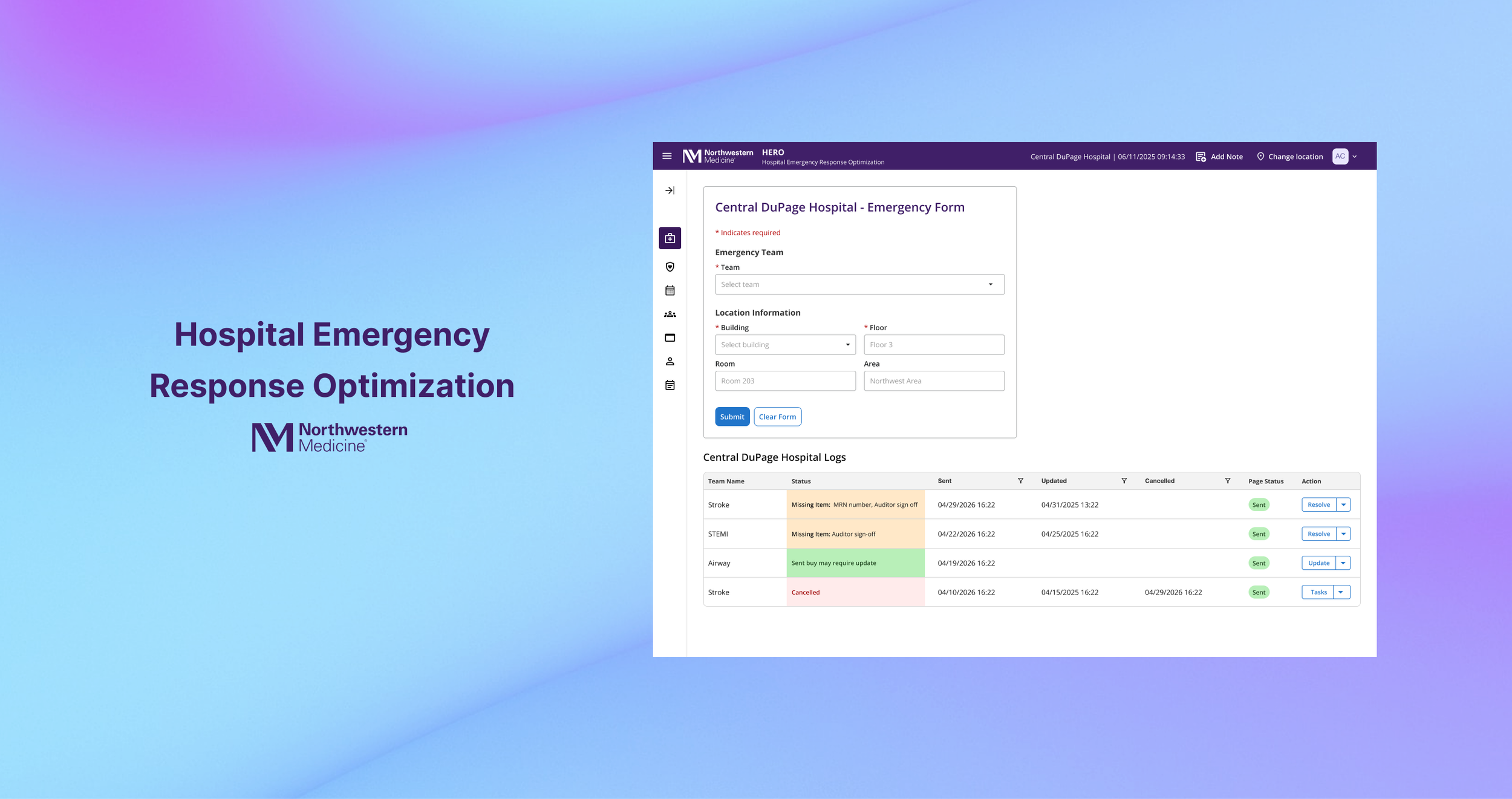
The Hospital Emergency Response Optimization application, or HERO, is a web based tool used by hospital operators to capture, document, and send emergency pages for patient and visitor incidents to the appropriate clinical response teams. HERO launched on May 3, 2024 and is used 24 hours a day, seven days a week by operators supporting Hospital Operator Services.
HERO was custom developed for Northwestern Medicine to replace a legacy Microsoft Access application known as Hot Seat. The goal was to modernize a critical emergency response workflow by improving speed, accuracy, and reliability, while reducing the risk of errors during high pressure situations that can impact patient and visitor care.
ROLE
UX Designer (Lead)
Worked with: developers, product manager, and hospital operators
TASKS
Interaction design
User Research
Usability testing
Presenting
Stakeholder communication
TIMELINE
January 2024 - Present
TOOLS
Figma
CONTEXT
Why HERO?
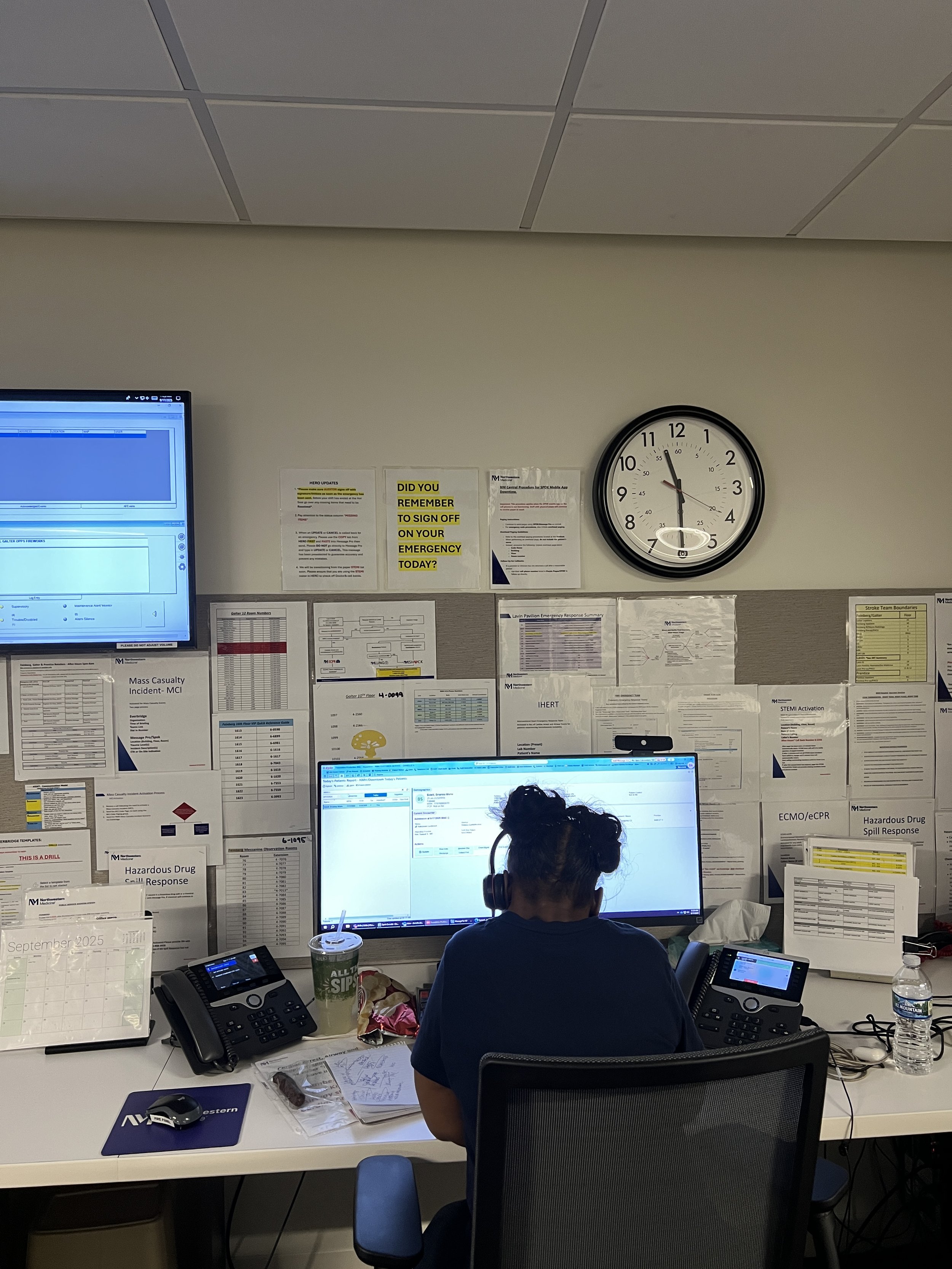
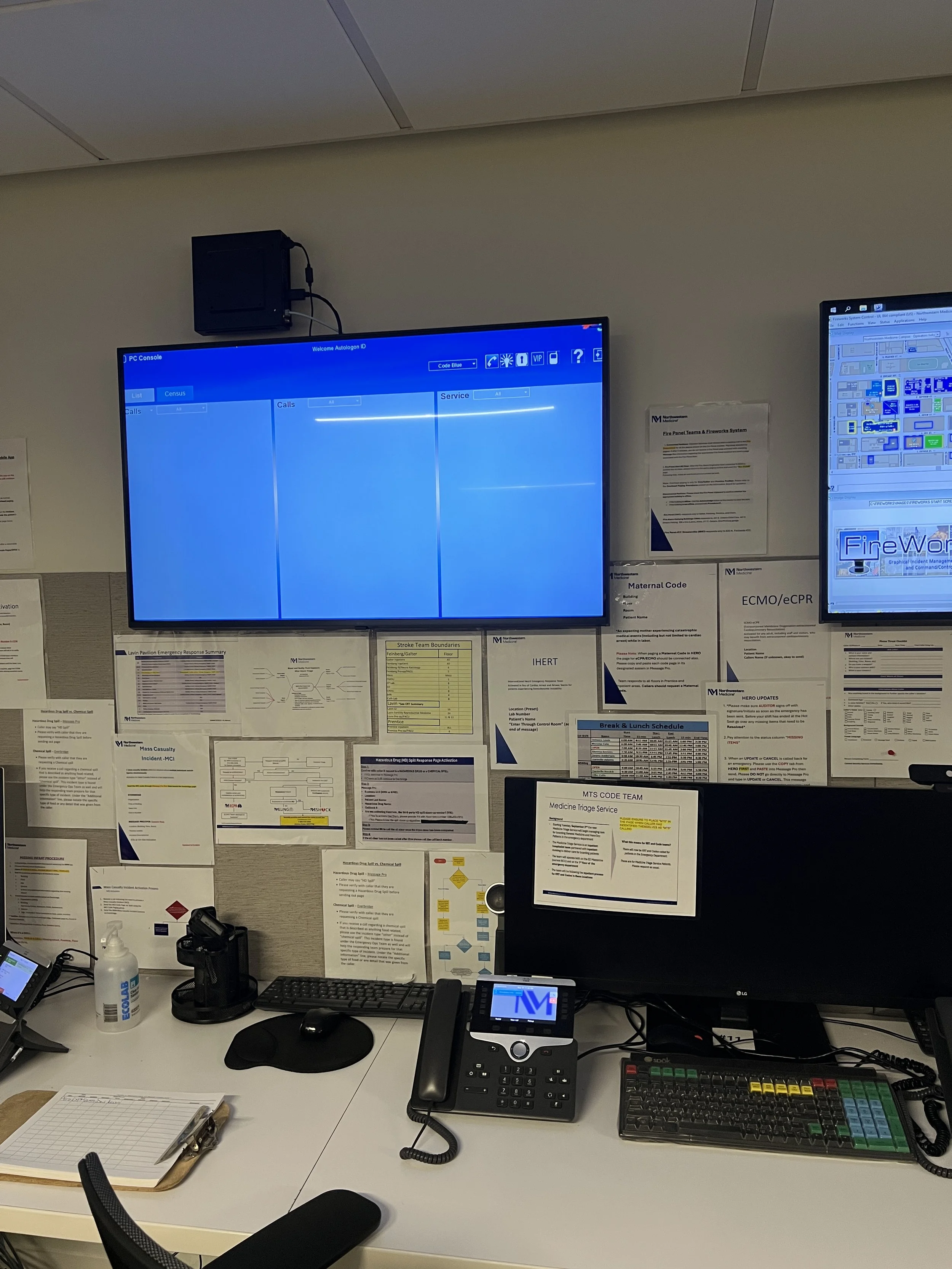
Hospital operators handle emergency calls around the clock. Their role requires listening carefully, documenting critical information, coordinating with auditors, and sending accurate pages as quickly as possible.
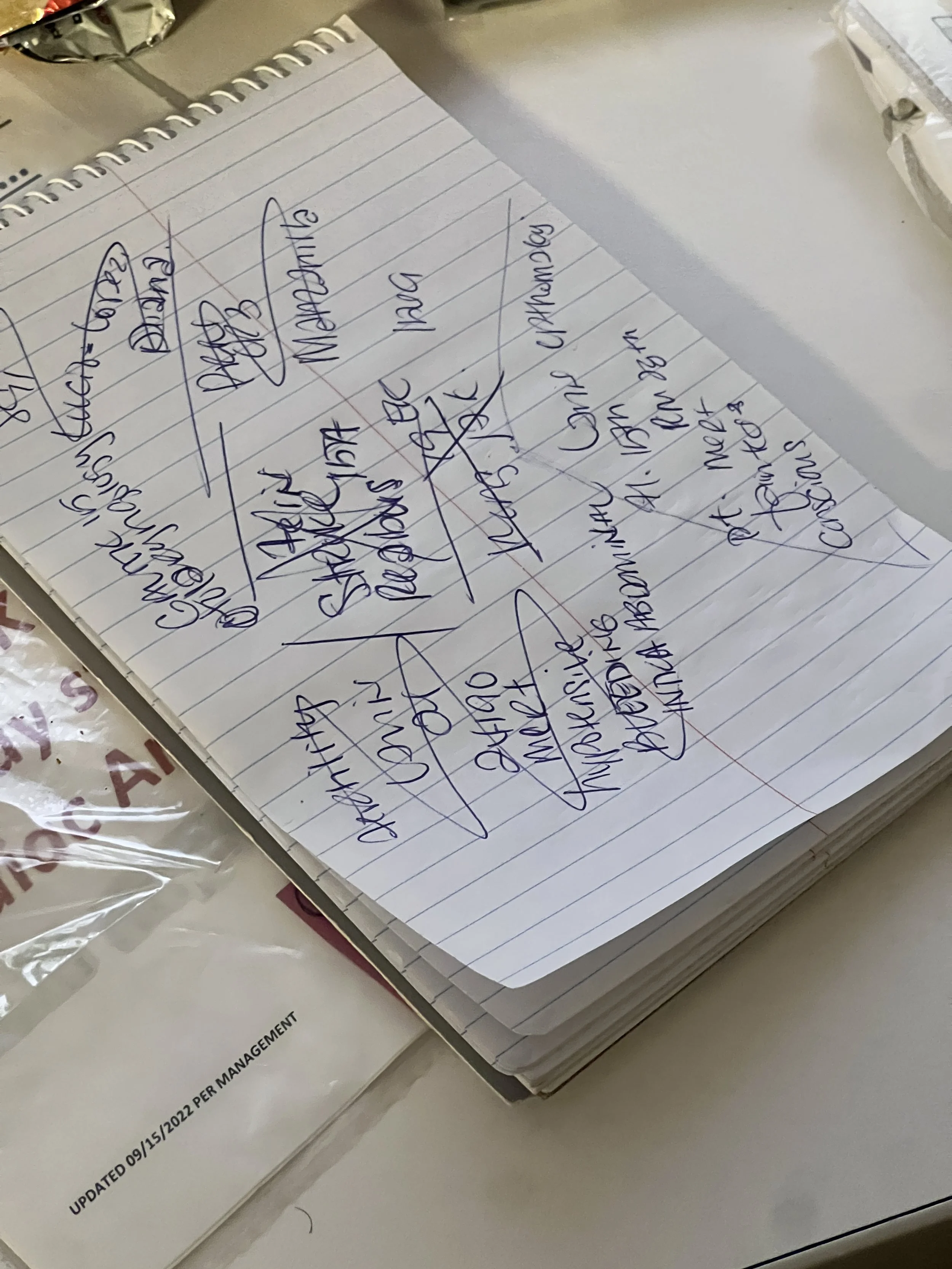
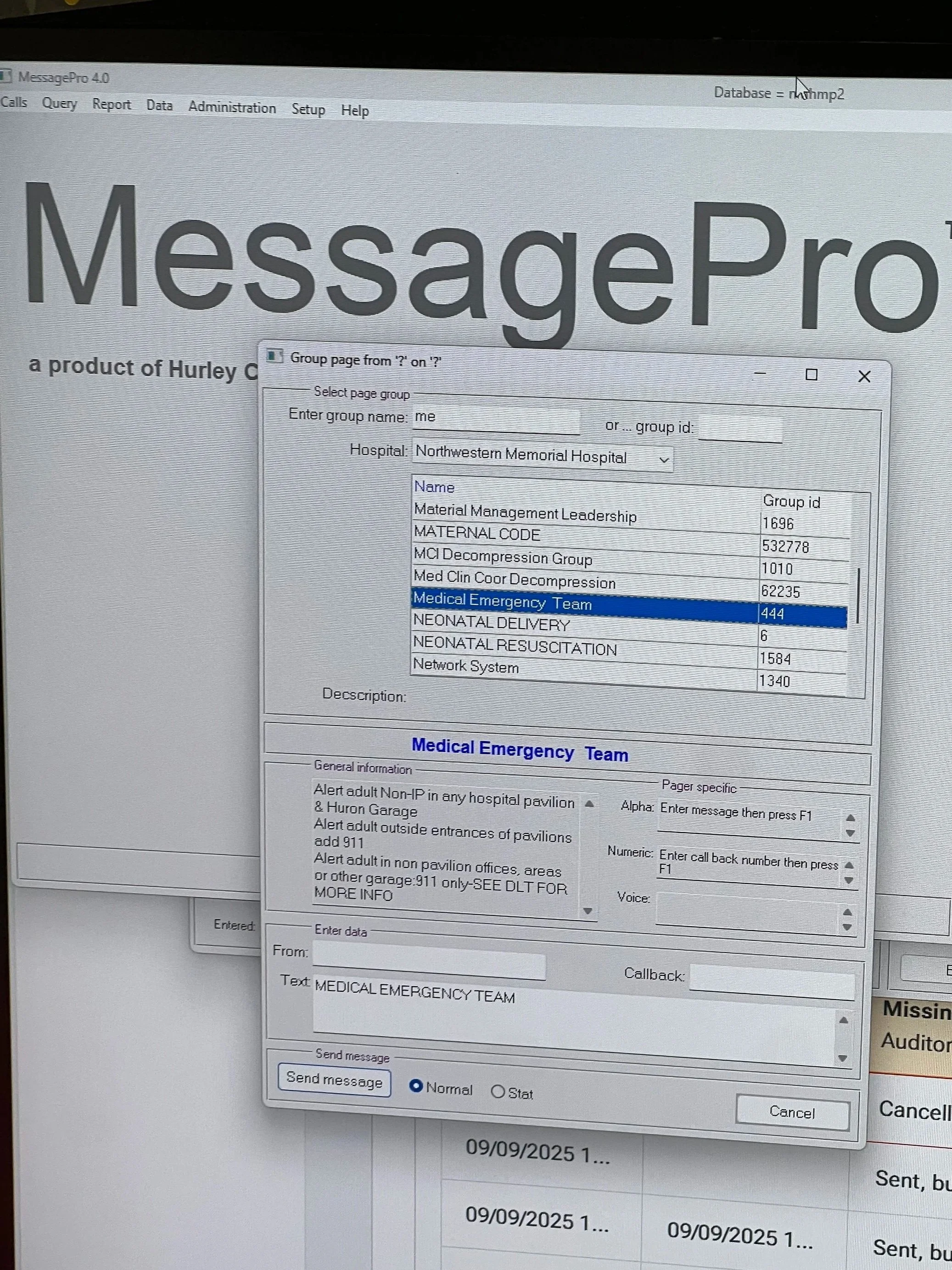
The previous system, Hot Seat, relied on a Microsoft Access database and manual workflows. It was difficult to maintain, prone to errors, and added unnecessary cognitive load during emergencies. HERO was created to support operators with a more reliable, structured, and scalable solution.
USERS AND TEAM DYNAMICS
Through discovery, I defined the core roles involved in handling emergencies. Understanding how these roles work together was key to designing flows that support speed without sacrificing accuracy.

Responder
Responder answers the call, documents the emergency, and initiates the page

Auditor
Auditor listens in and verifies accuracy before the page is sent

Coverage person
Coverage person fills in when needed during a shift

Administrator
Administrator manages templates, teams, and system configuration
PROBLEM
A legacy system not built for real emergencies
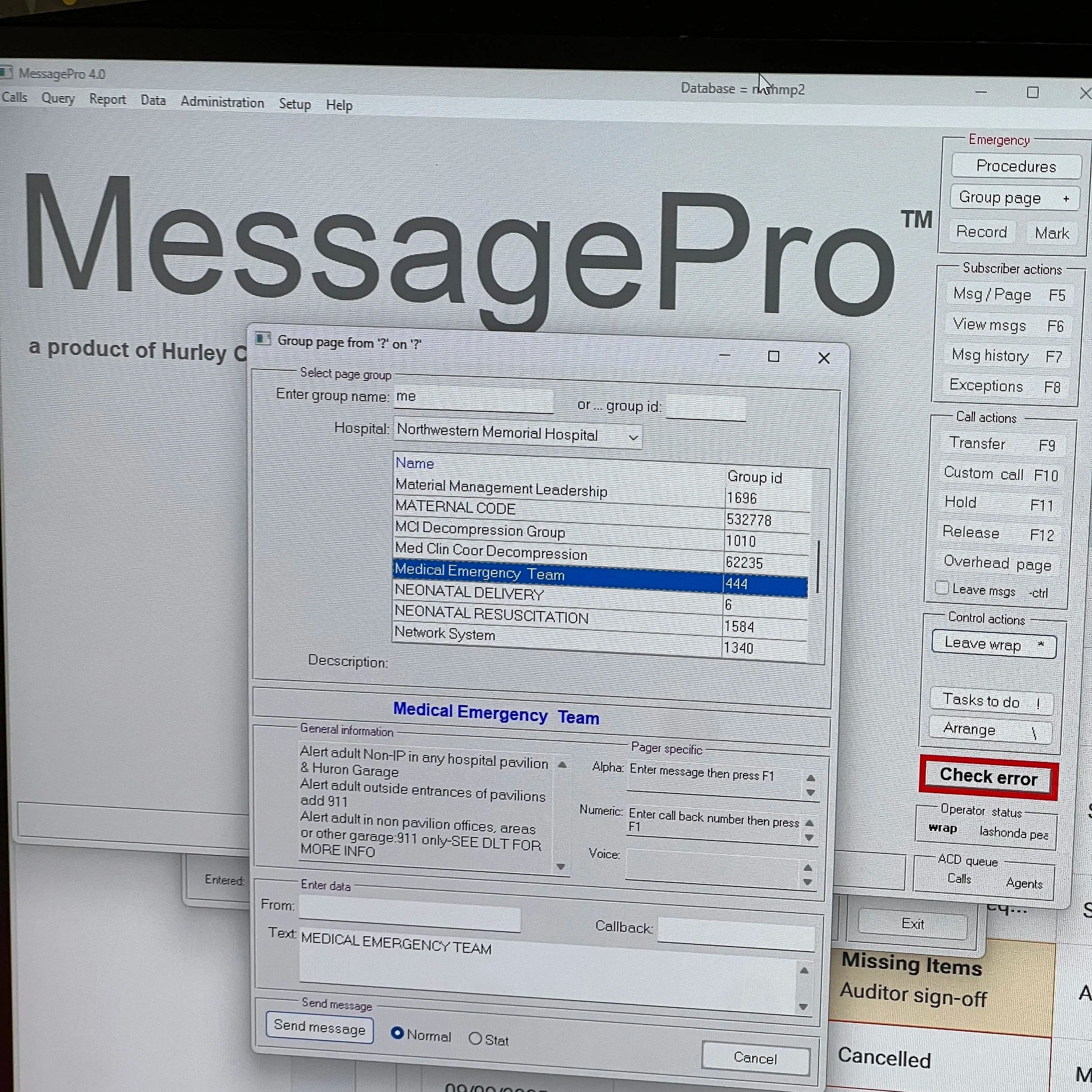
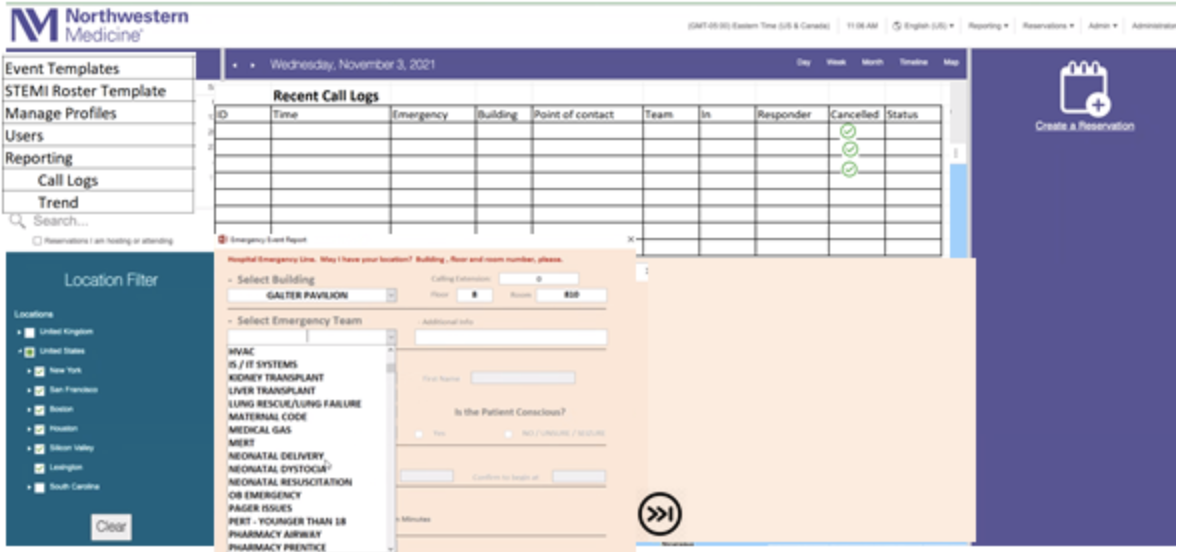
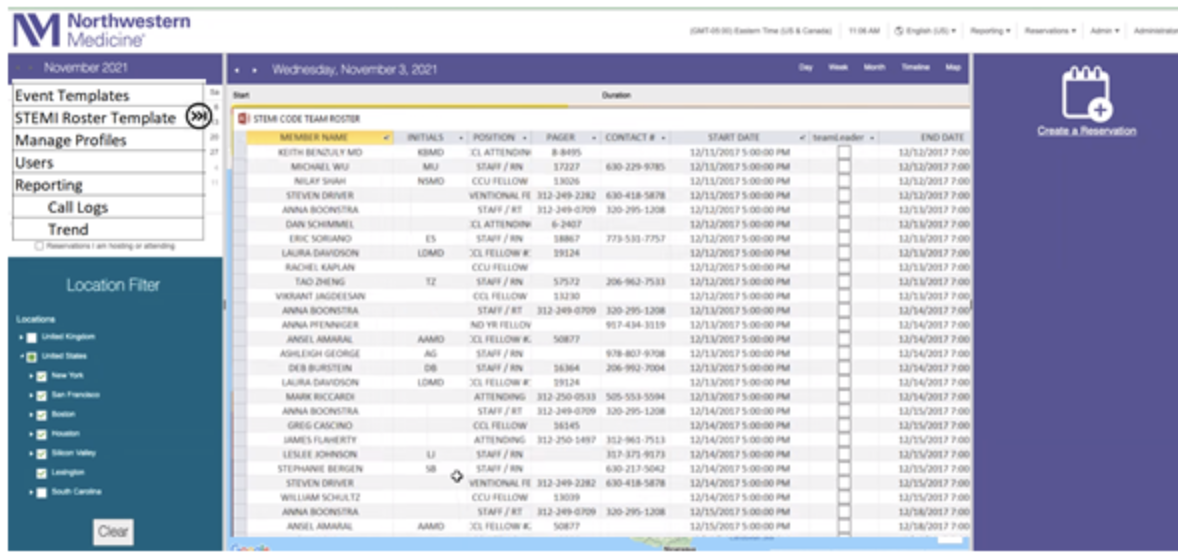
Hot Seat was a legacy Microsoft Access based system used by hospital operators to manage live emergency calls. Although it worked, it was not built to support the speed, complexity, and pressure of modern hospital emergencies. As a result, operators faced several challenges during real calls:
1. Fragmented emergency workflow across multiple systems, forcing operators to switch tools and manually move information during live calls
2. High cognitive load during fast, unpredictable emergency calls, making it harder to capture and update critical information in real time
3. Limited feedback and visibility after sending a page, leaving operators unsure whether further action or follow up was needed
GOAL
Support operators during real emergencies, not slow them down
Create a single, reliable system that reduces tool switching and supports fast, accurate emergency paging
Lower cognitive load by making critical information easy to scan, update, and manage during live calls
Provide clear status and feedback while supporting a wide range of emergency types and future integrations
DESIGN APPROACH
Designed to keep up with real calls
Emergency calls do not follow a script. Information comes in out of order, details change, and the pace can shift quickly. Because of that, the goal was not to design a conversational flow, but to create a form that is easy to scan, easy to update, and easy to adapt in real time.
DESIGN SOLUTION
Introducing HERO.
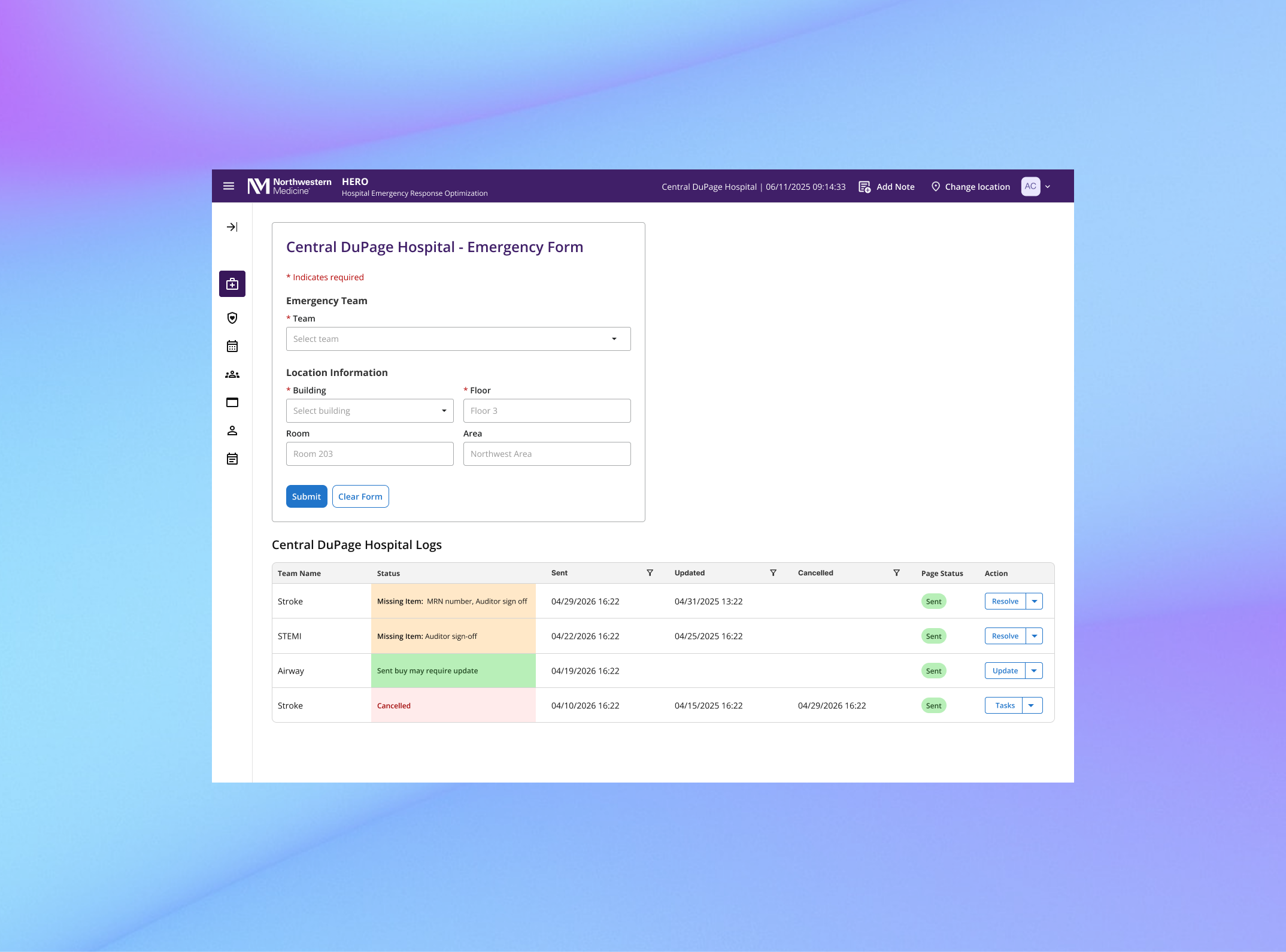
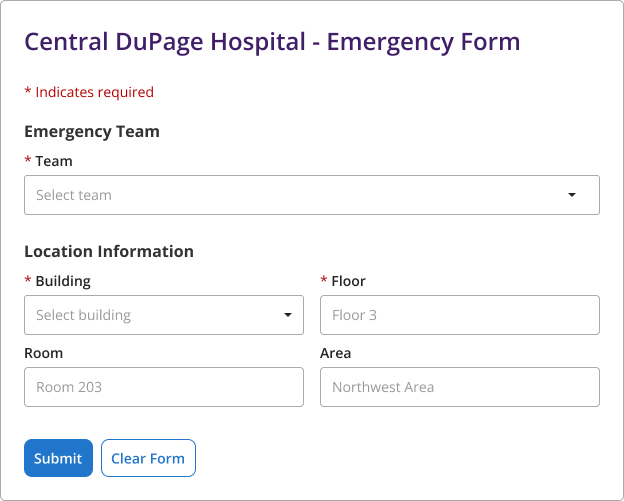
1 - Dynamic emergency form
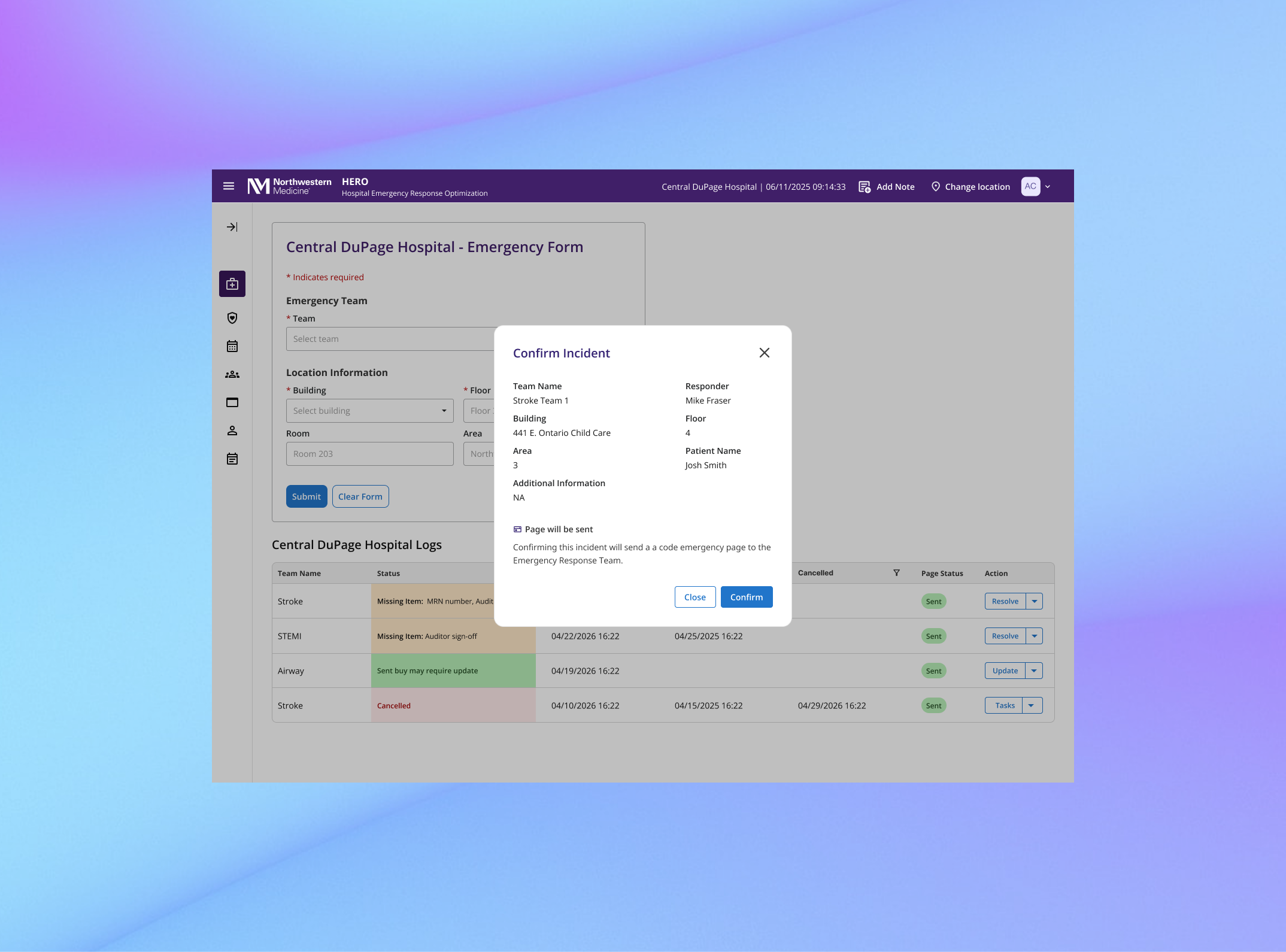
HERO uses a dynamic form that updates based on the selected emergency team, revealing only the additional fields required for that incident.
Required fields are clearly marked with asterisks, and information is grouped into clear sections to improve visual hierarchy and make the form easier to scan and complete during live calls.
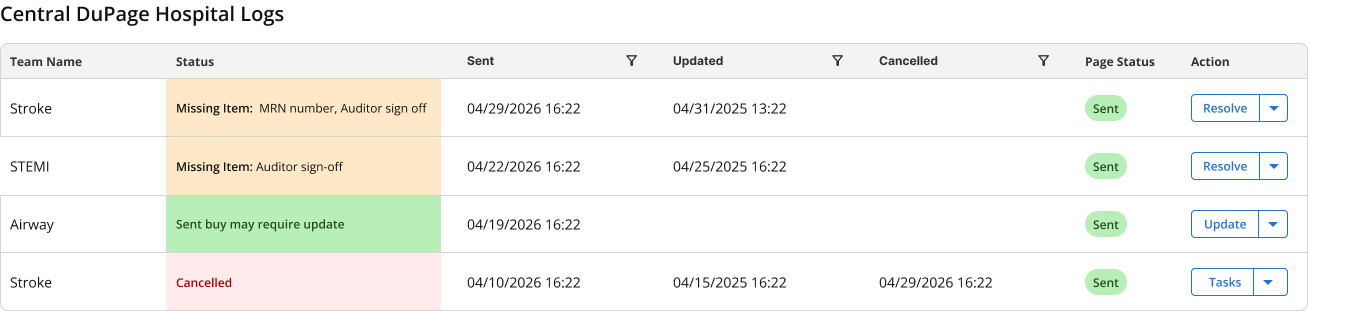
2 - Emergency log with clear status and action
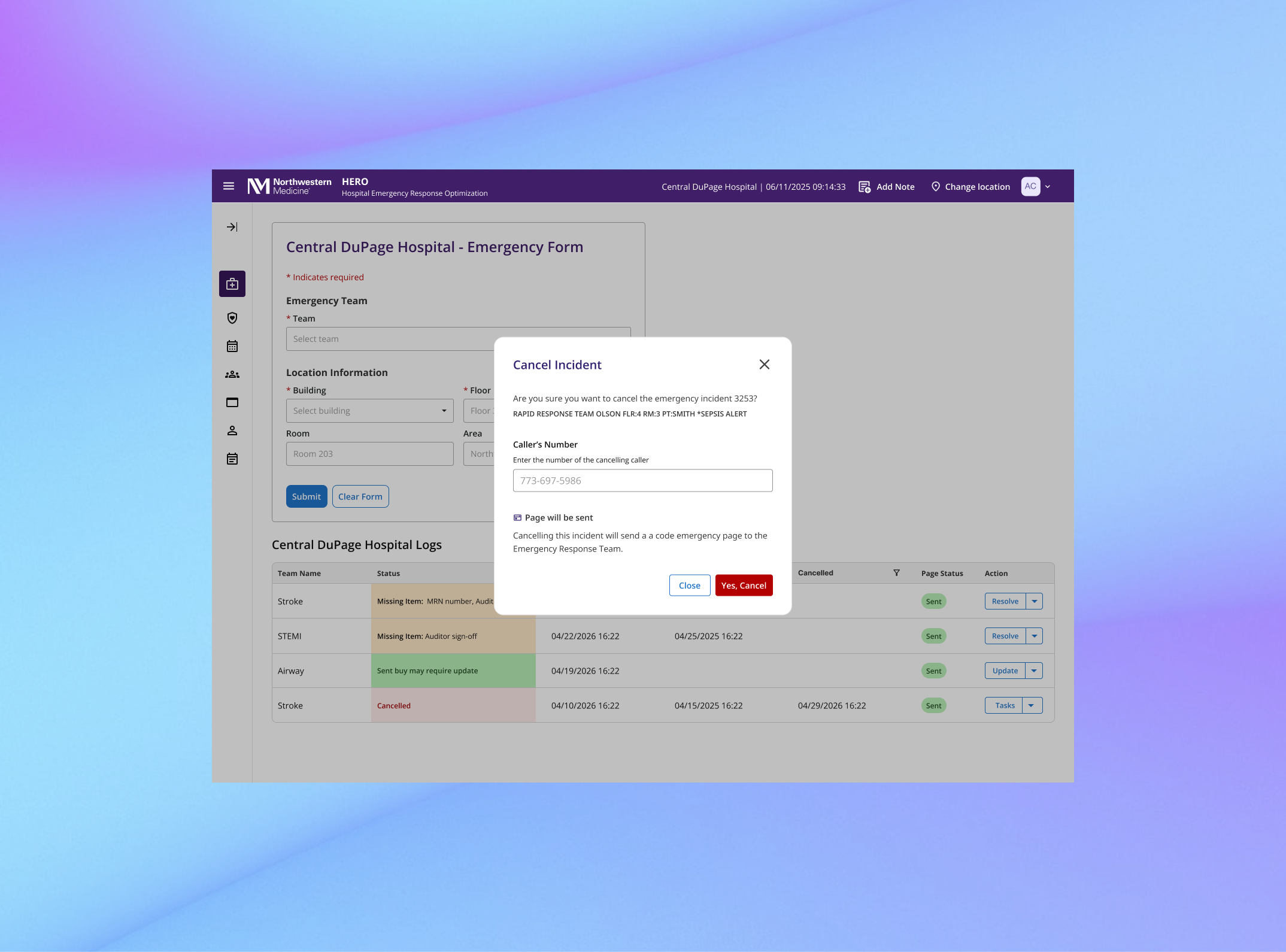
The landing page includes an emergency log that displays all submitted incidents in real time, allowing operators to quickly understand what is happening and take action when needed. Key information such as team name, incident status, page status, and available actions is surfaced directly in the table.
Status colors are used intentionally to support quick decision making: orange indicates missing information that requires follow up, green indicates no action is needed at the moment, and red indicates a cancelled incident.
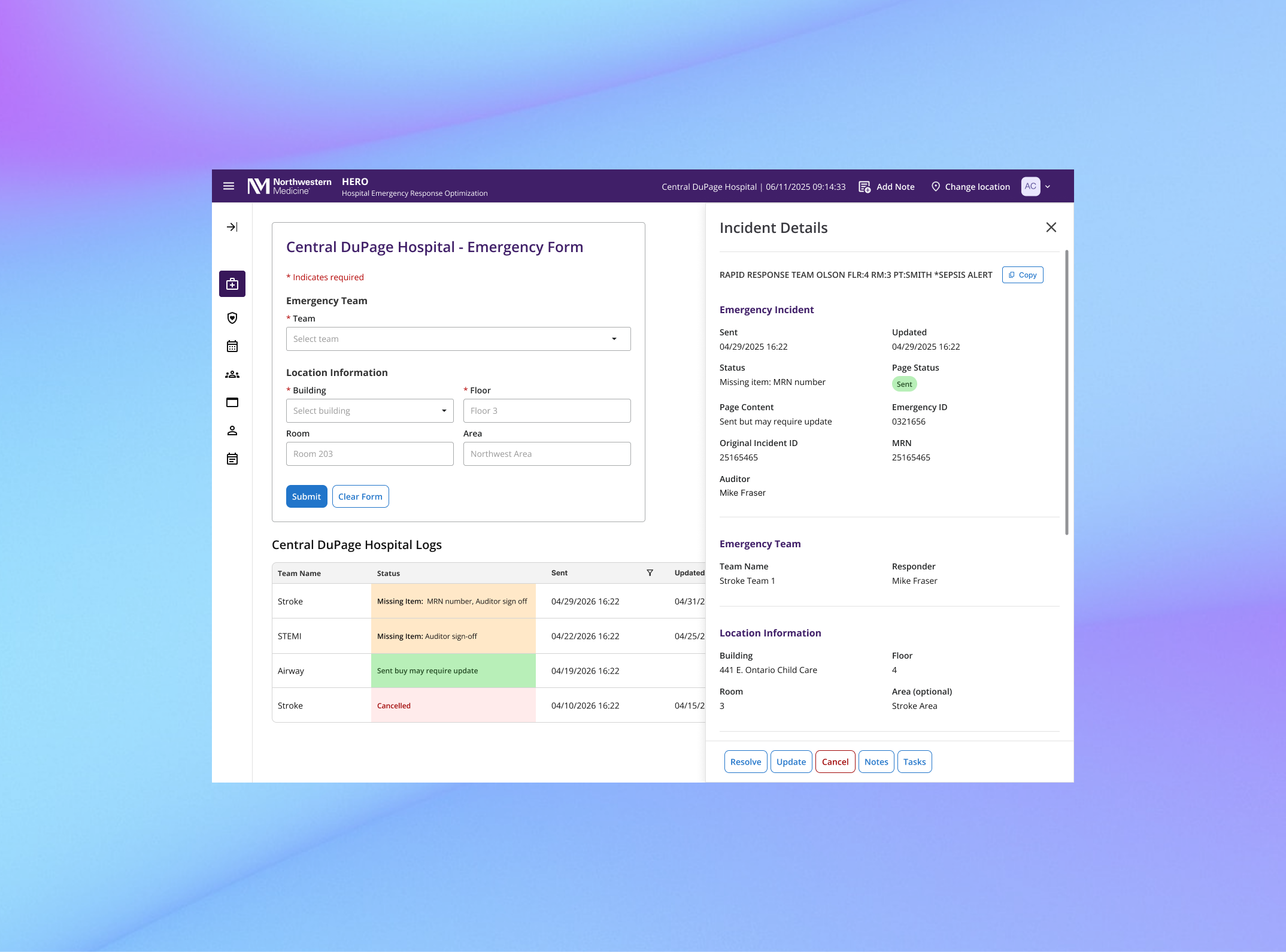
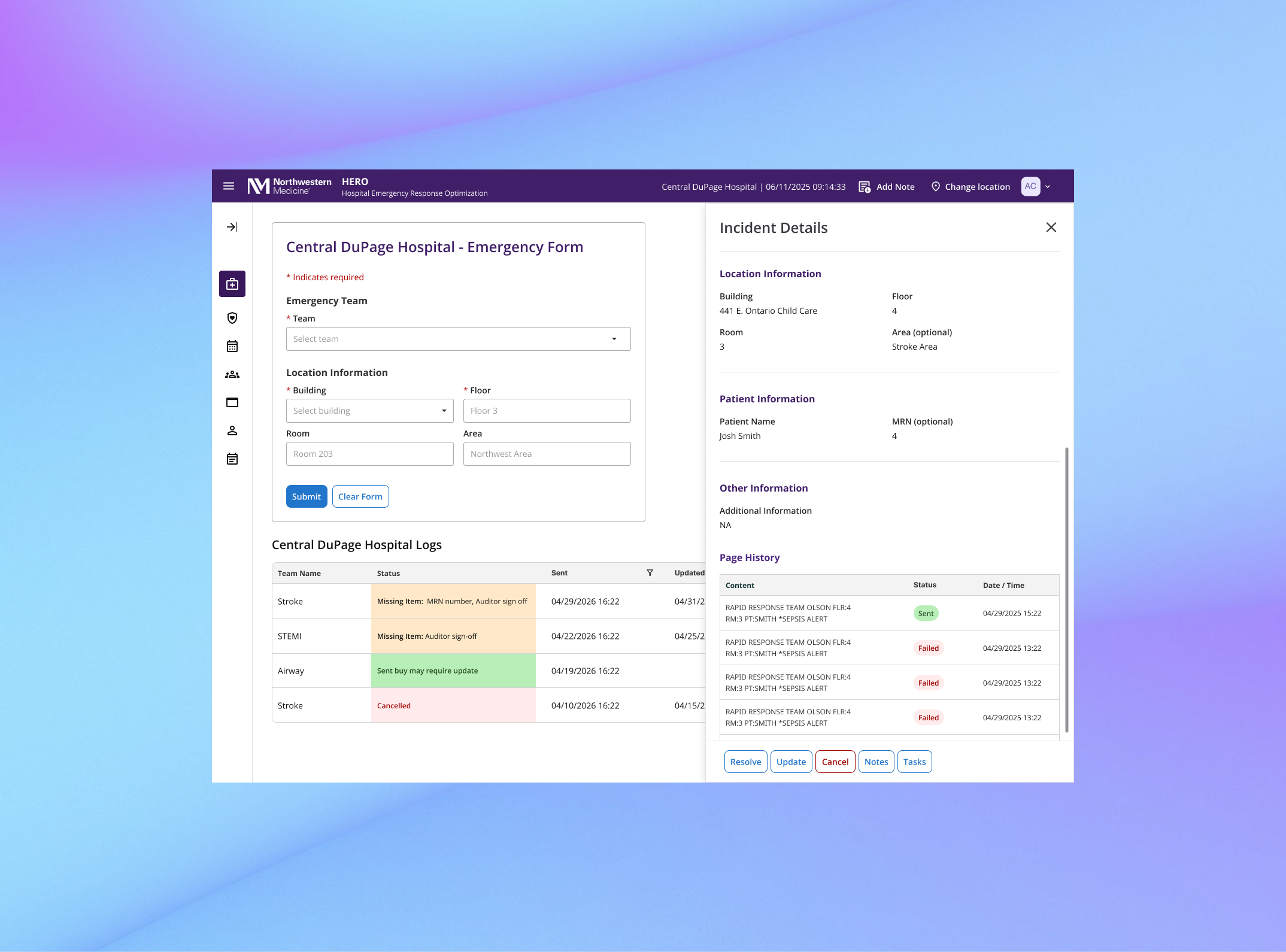
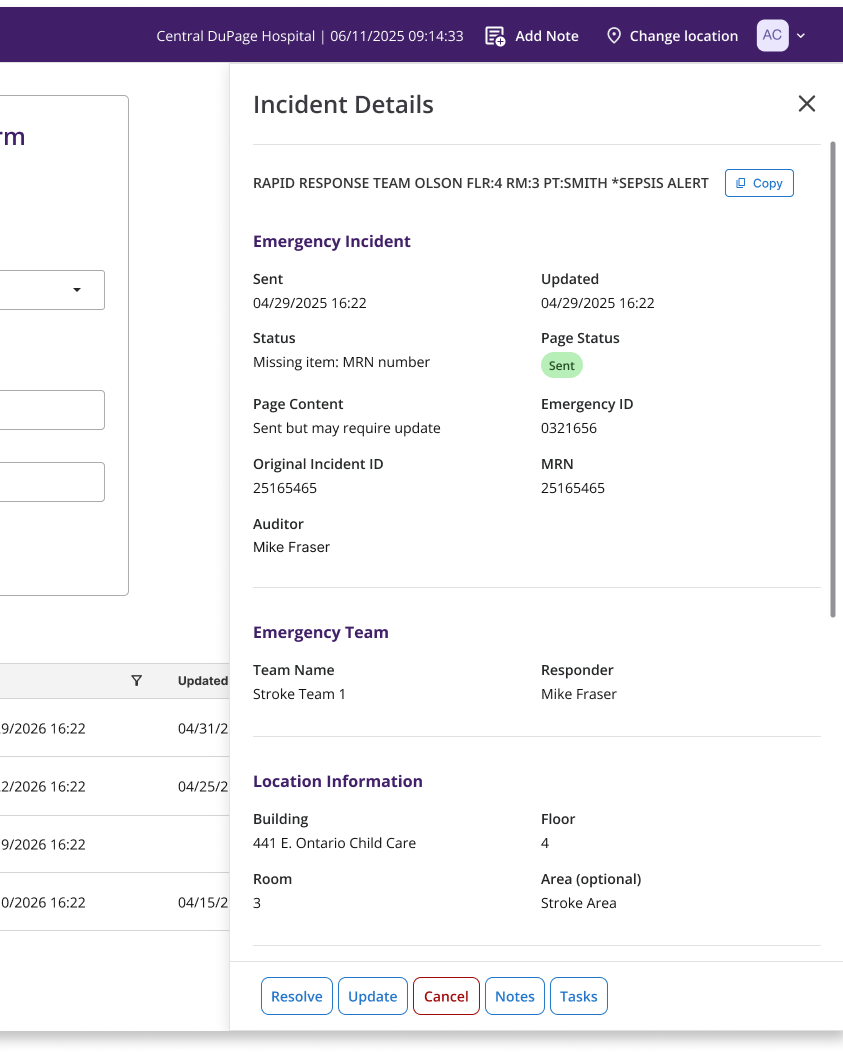
3 - Incident details side panel
To reduce clutter in the log while preserving access to details, HERO includes an incident details side panel.
Operators can view all relevant information about an incident, including emergency details, team, location, patient information, page history, and the paging message itself, with the ability to copy the page when needed.
RESULTS
Supporting fast, high-stakes decisions at scale
~450-600
Emergency related call supported every day
~65,000+
Operators calls handled each month
With hundreds of emergency calls handled each day and tens of thousands each month, HERO provides operators with a reliable system that keeps pace with high pressure workflows while maintaining speed, accuracy, and visibility.